Submitted by Beth Seifert, Nevada State Regent stateregent@nssdar.org
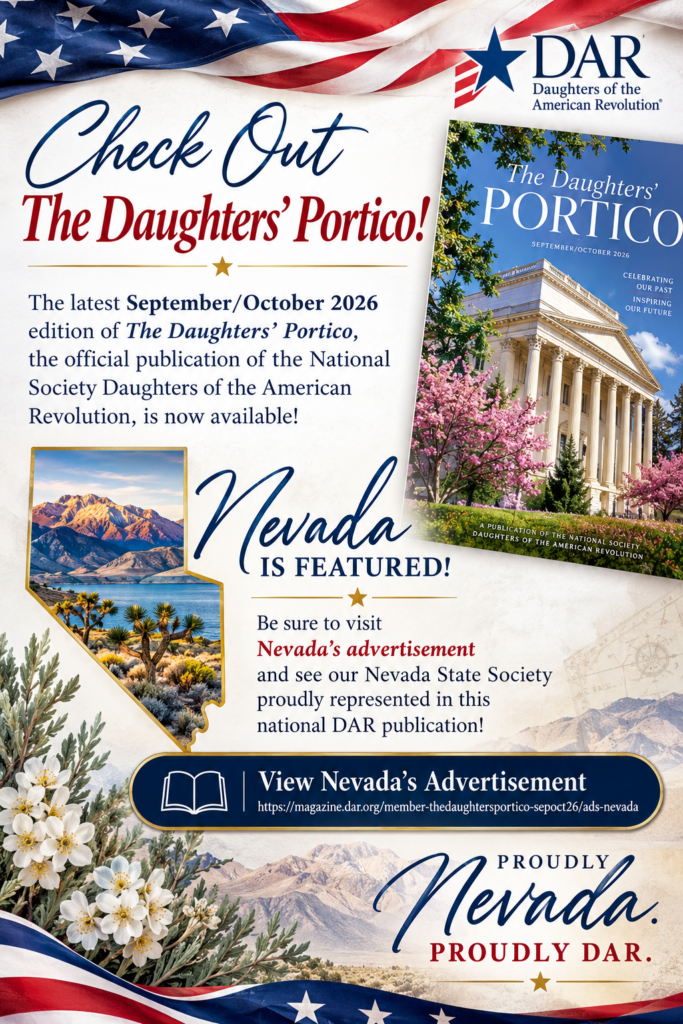
Have you checked out the latest September/October 2026 edition of The Daughters’ Portico, the official publication of the National Society Daughters of the American Revolution? Click Here for The Daughters’ Portico
Be sure to visit Nevada’s advertisement and see our Nevada State Society proudly represented in this national DAR publication!
Take a moment to explore the issue and celebrate Nevada’s presence in The Daughters’ Portico.
View Nevada’s Advertisement:
See Nevada in The Daughters’ Portico
Proudly Nevada. Proudly DAR.
Step 1 — Go to DAR.org
Open your internet browser and go to:
Step 2 — Open the Members Section
From the DAR website, select the Members area.
You can also go directly to:
Step 3 — Log In
Depending on which DAR member page you reach, you may be asked to identify yourself using your DAR membership information.
The DAR members-only login page may request:
- State
- Chapter
- National Number
Select your state and chapter and enter your DAR National Number. Daughters of the American Revolution
On DAR systems using the newer sign-in, your National Number is your username, and you use your personal DAR/eMembership password. DAR Membership
If You Cannot Log In
If you reach the newer DAR login screen and do not know your password:
- Select Forgot Password.
- Enter your DAR National Number.
- DAR will send password-reset instructions to the email address associated with your DAR membership.
- Check your spam/junk folder if you don’t see the email.
- DAR notes that password-reset links are valid for 20 minutes. DAR Membership
Tip for Chapter Members: Your DAR National Number is the key piece of information to have available before beginning the login process.